

Data Controls
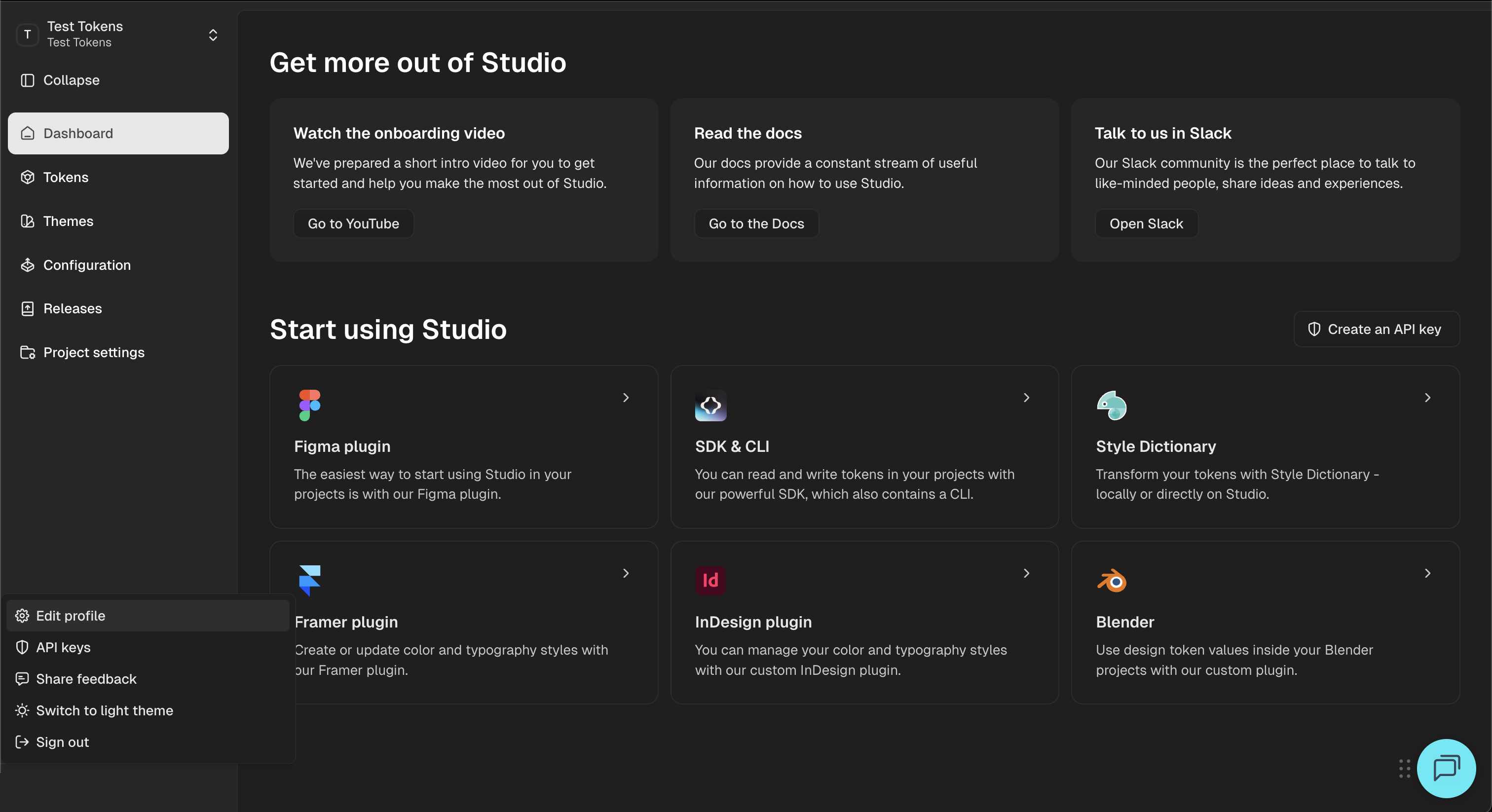
The Data Controls page allows users to:
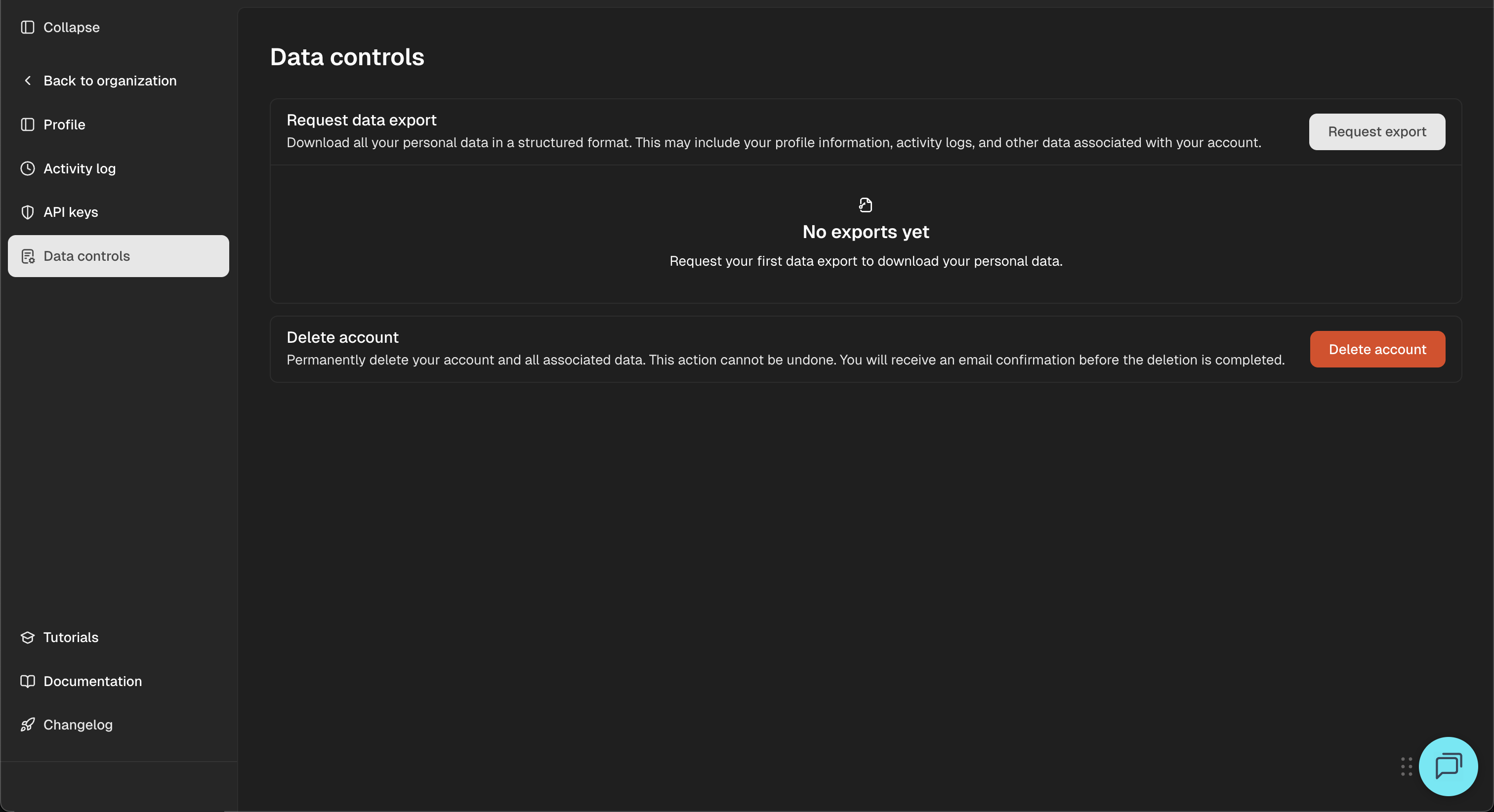
- Request a download of all personal data in a structured format, including profile information and activity logs.
- Permanently delete their account and associated data, finalized through secure email confirmation.
These controls ensure compliance with data privacy requirements and make it easy for users to manage their personal information directly from their account dashboard.
Requesting Data Export
To download your personal account data:
- Go to Data Controls in the left sidebar.
- Click on the Request export button.
- Your data—including profile, activity logs, and more—will be prepared and made available for download in a structured format.
You can view the status of export requests, and download once ready. If no exports exist yet, the page will show “No exports yet.”
Deleting Your Account
To permanently delete your account:
- Select the Delete account button on the Data Controls page.
- Confirm the deletion by following the email link sent to your registered address.
- Once accepted, all data associated with your account is permanently removed. This action cannot be undone.