

Array Filter
What It Does
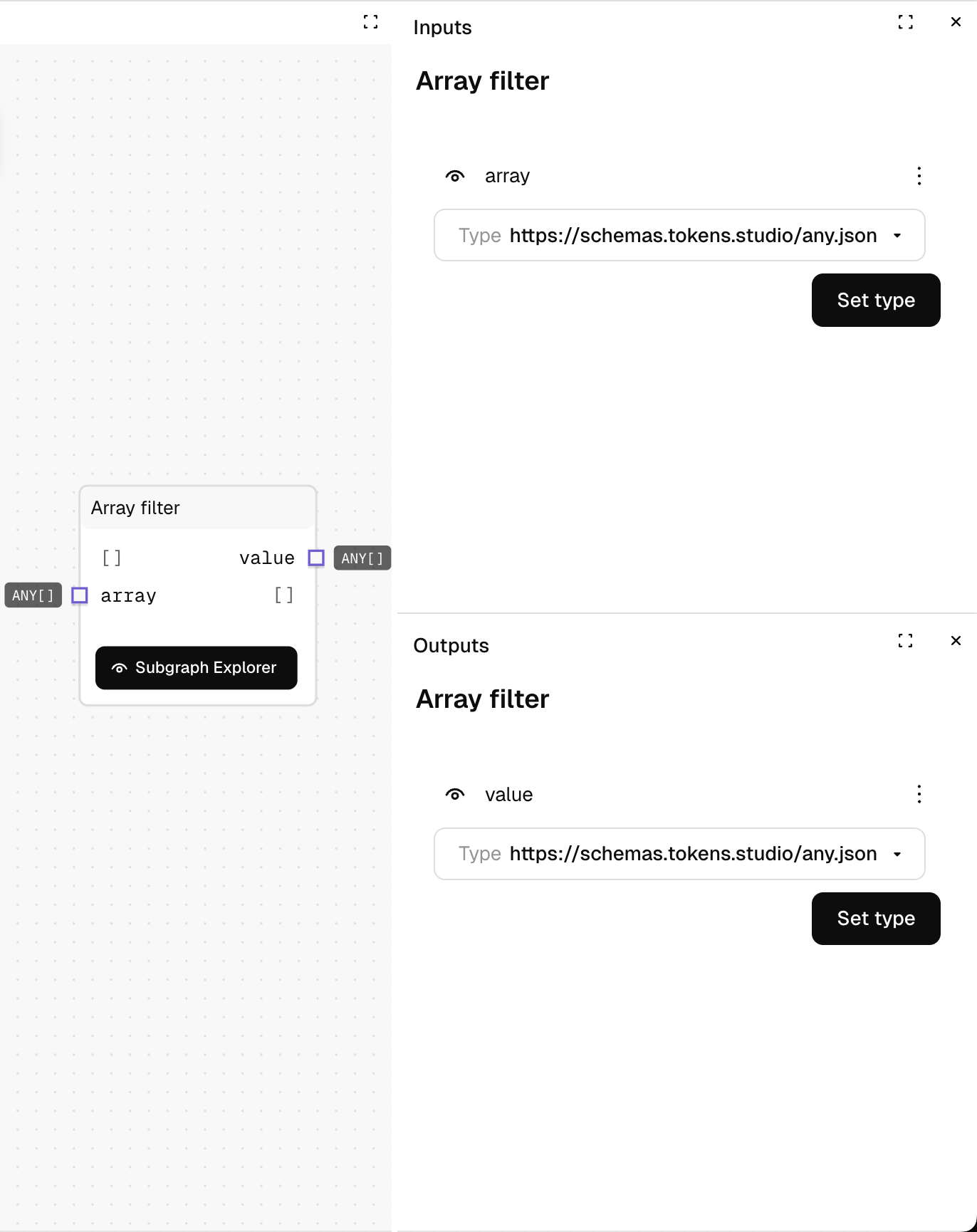
Creates a sub-graph that evaluates each item in an array, returning a new array containing only the items where your condition evaluates to true. You define the filtering condition in the inner graph using a custom combination of nodes.
Inputs
| Name | Description | Type | Required |
|---|---|---|---|
| array | The array to filter | List | Yes |
| Dynamic inputs | Any inputs you add to the inner graph will appear here | Varies | No |
Outputs
| Name | Description | Type |
|---|---|---|
| value | A new array containing only the items that match your condition | List |
Inner Graph Special Inputs
| Name | Description | Type |
|---|---|---|
| value | The current array item being evaluated | Any |
| index | The current position in the array | Number |
| length | The total length of the array | Number |
Inner Graph Required Output
| Name | Description | Type |
|---|---|---|
| matches | Whether the current item should be included in the result | Yes/No |
How to Use It
- Drag the Array Filter node into your graph.
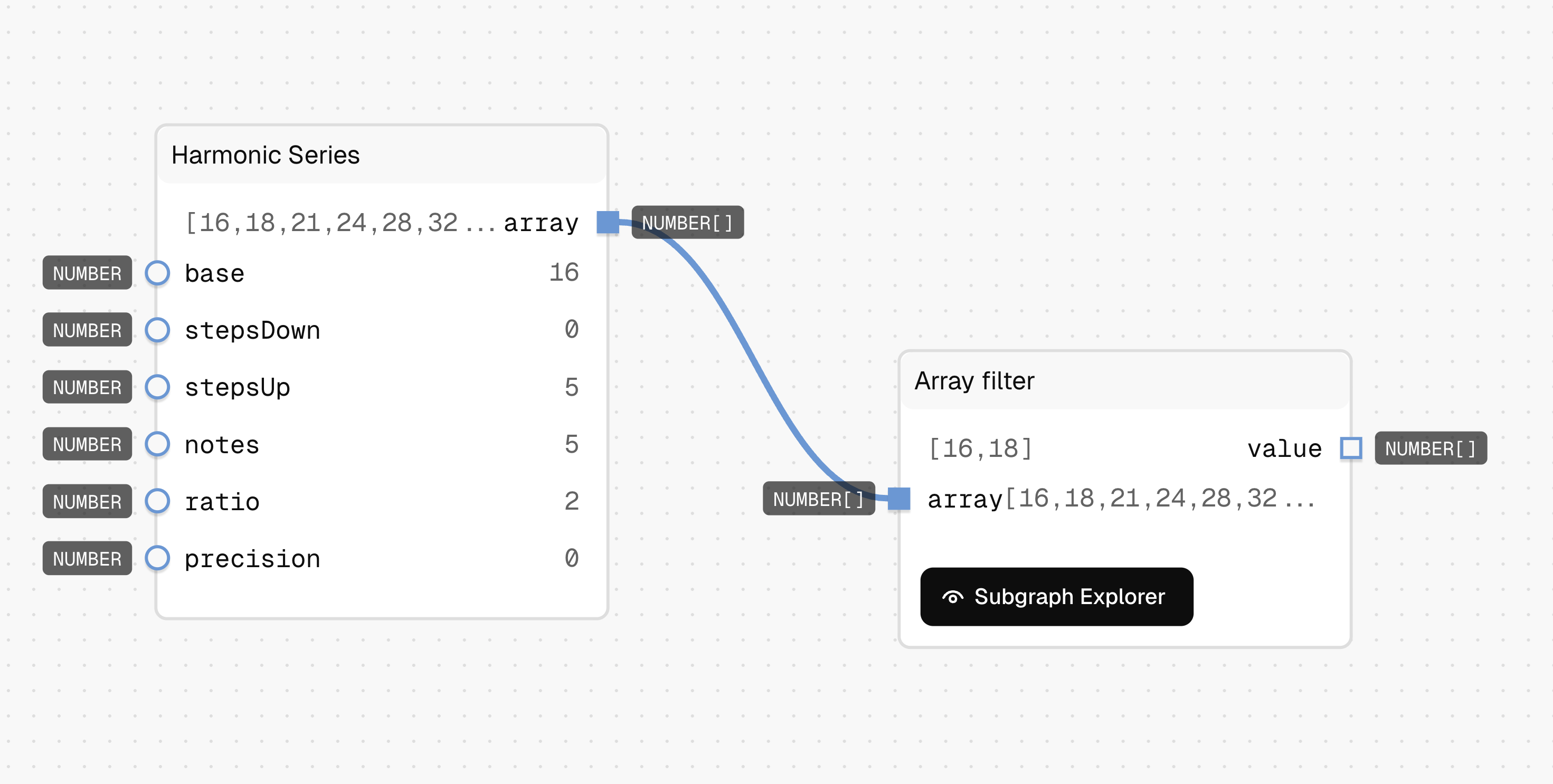
- Connect your array to the "array" input. In this example the input is a Harmonic series outputting an array [16, 18, 21. 24, 28, 32].
- Click on the Subgraph Explorer button on the Array filer node to open and edit the inner graph.
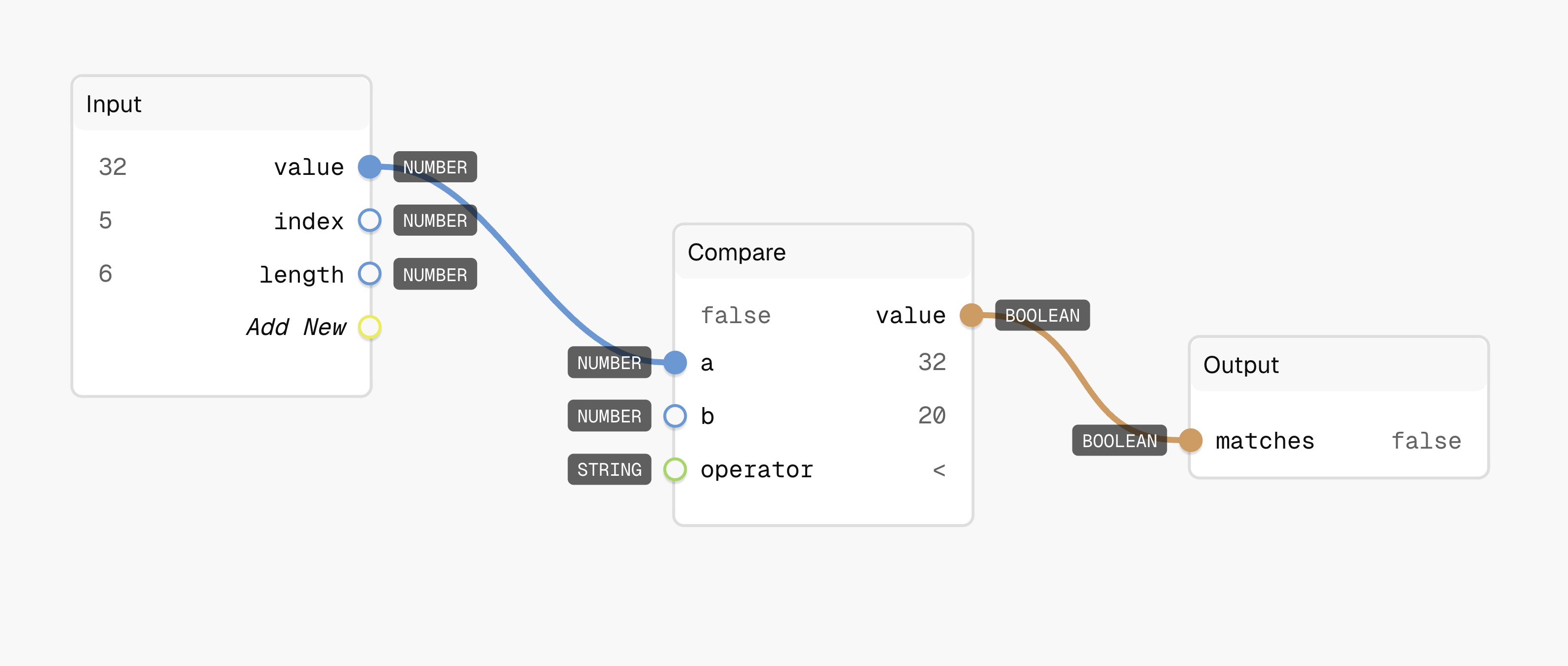
- In the inner graph, build your condition using the special "value" input. In this case a simple Compare node to check if the value is < 32. The output is a boolean.
- Connect your condition's result to the "matches" input on the Output node. The "matches" accepts a boolean.
- Return to the main graph, where you can use the filtered array output. The output is an array of two values [16, 18] which is matching the condition in the subgraph.
Tips
- The inner graph runs once for each item in the array.
- You can add your own inputs to the inner graph's Input node, which will appear as inputs on the main Array Filter node.
- For complex filtering, you can build any logic you need in the inner graph.
- If no items match your condition, the output will be an empty array.
See Also
- Array Find: Similar to Array Filter, but returns only the first matching item instead of all matching items.
- Find First Match: For simple comparison-based searching (greater than, less than).
- Linear Search: For exact-match searching of a single item.
Use Cases
- Data Filtering: Remove unwanted items from datasets based on custom criteria.
- Collection Refinement: Keep only items that meet specific business rules or thresholds.
- Conditional Processing: Process only the subset of items that require attention.