

Parse Unit
What It Does
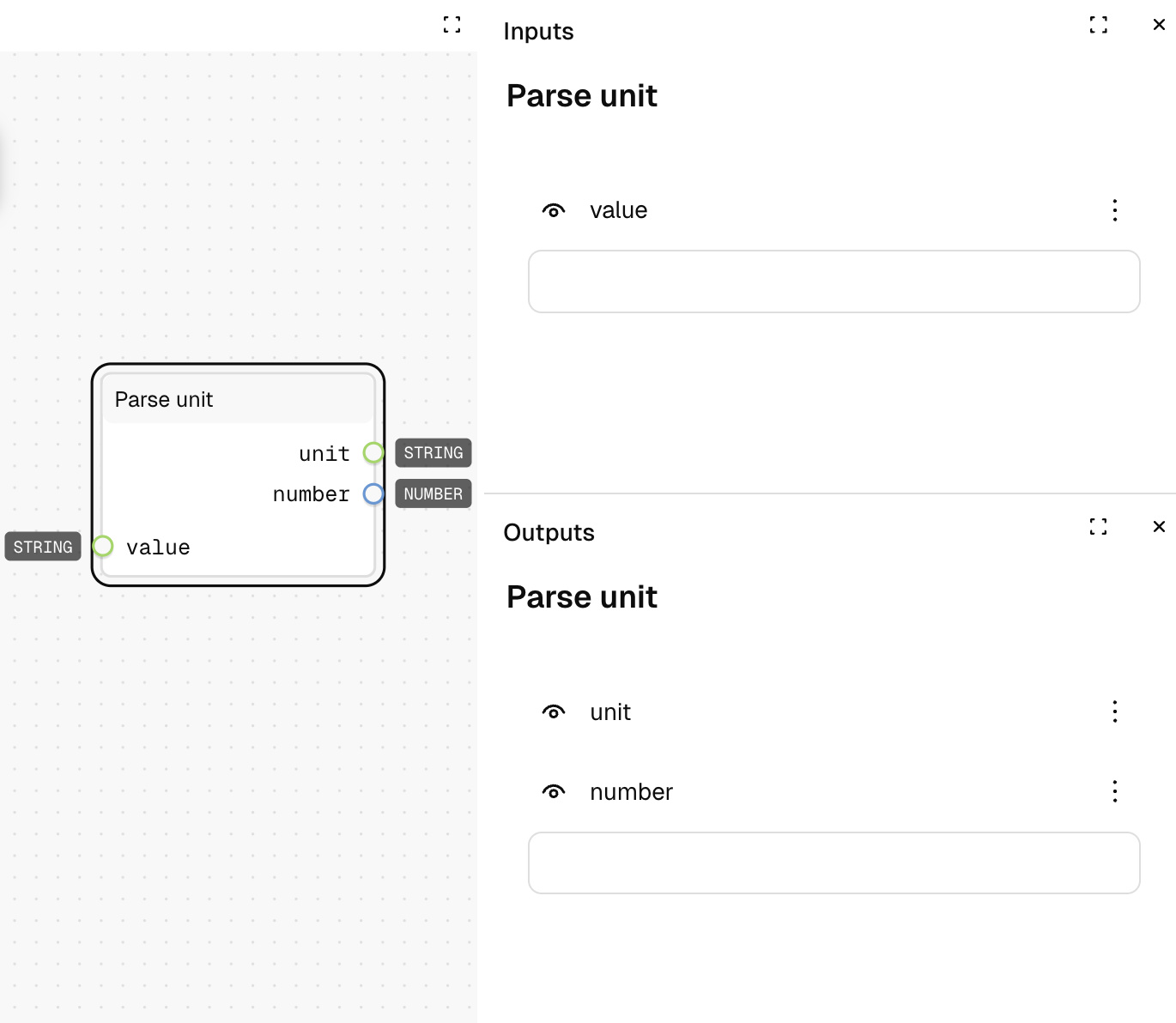
The Parse unit node separates a value with units (like "10px" or "2rem") into its numeric value and unit components. It extracts both the number and the unit from a string input.
Inputs
| Name | Description | Type | Required |
|---|---|---|---|
| Value | The string containing a number with a unit | String | Yes |
| Unit | A fallback unit value (not used in current implementation) | String | No |
Outputs
| Name | Description | Type |
|---|---|---|
| Number | The extracted numeric value | Number |
| Unit | The extracted unit (e.g., "px", "rem", "%") | String |
How to Use It
- Drag the Parse unit node into your graph.
- Connect a string containing a value with a unit (e.g., "10px", "2rem", "50%") to the "Value" input.
- The node outputs the separated number and unit as distinct outputs.
- If parsing fails, the node defaults to 0 for the number and an empty string for the unit.
Tips
- This node is useful for design token manipulation and CSS value processing.
- Can be used to perform calculations on values while preserving their units.
- If the input doesn't contain a unit, the unit output will be an empty string.
See Also
- Pass unit: For adding a unit to a numeric value.
- Parse Number: For converting strings to numbers without unit handling.
- Arithmetic nodes: For performing calculations on the numeric component.
Use Cases
- Design Token Manipulation: Extract values from design tokens for calculations.
- CSS Value Processing: Manipulate CSS values while preserving units.
- Unit Conversion: Extract numerical values to convert between different units.
- Responsive Design: Process relative units to calculate absolute values.