

Join Array
What It Does
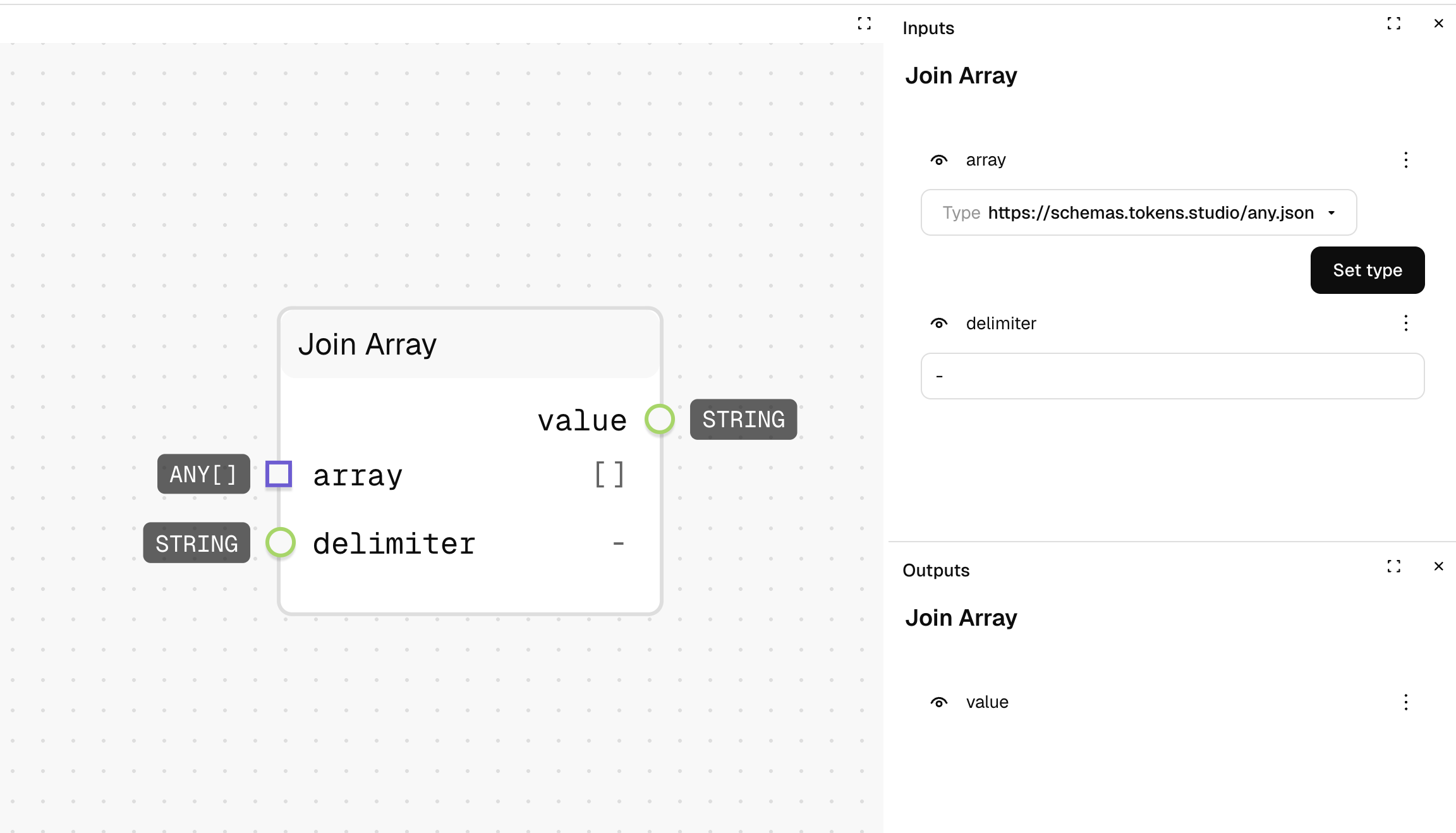
Combines all items in a list into a single text string, with a specified character or string between each item. This is useful for creating comma-separated lists, space-separated words, or any delimited text.
Inputs
| Name | Description | Type | Required |
|---|---|---|---|
| array | The list of items to join together | List | Yes |
| delimiter | The character or string to insert between items | String | No |
Outputs
| Name | Description | Type |
|---|---|---|
| value | The combined text string with delimiters | String |
How to Use It
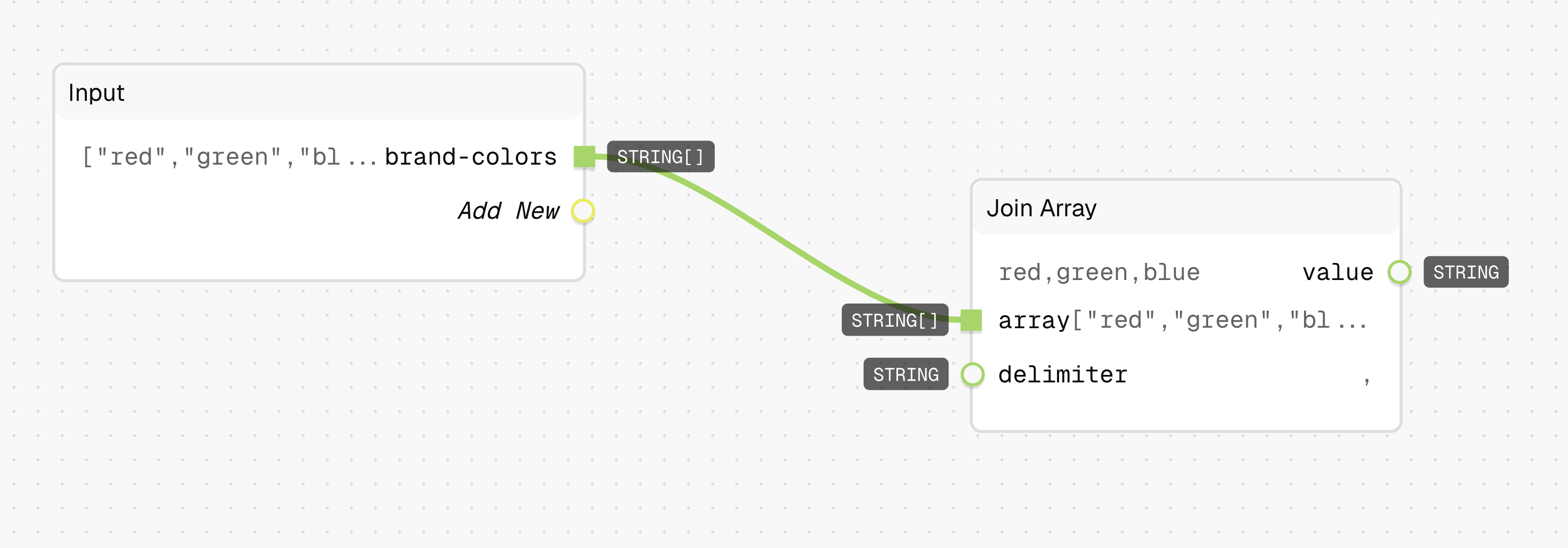
- Drag the Join Array node into your graph.
- Connect a list (like
["red", "green", "blue"]) to the "array" input. - Set the "delimiter" to the character you want between items (like
", "). - Run the graph—your output will be a single string with the items joined (
"red, green, blue").
Tips
- The default delimiter is a hyphen (
-), but you can use any string, including spaces, commas, or even multi-character strings. - Non-string items in the array will be converted to strings automatically.
See Also
- Split String: For the reverse operation—breaking a string into an array of parts.
Use Cases
- CSV Generation: Create comma-separated values for data export.
- UI Display: Format lists of items for display in a user interface.