

Color Compare
What It Does
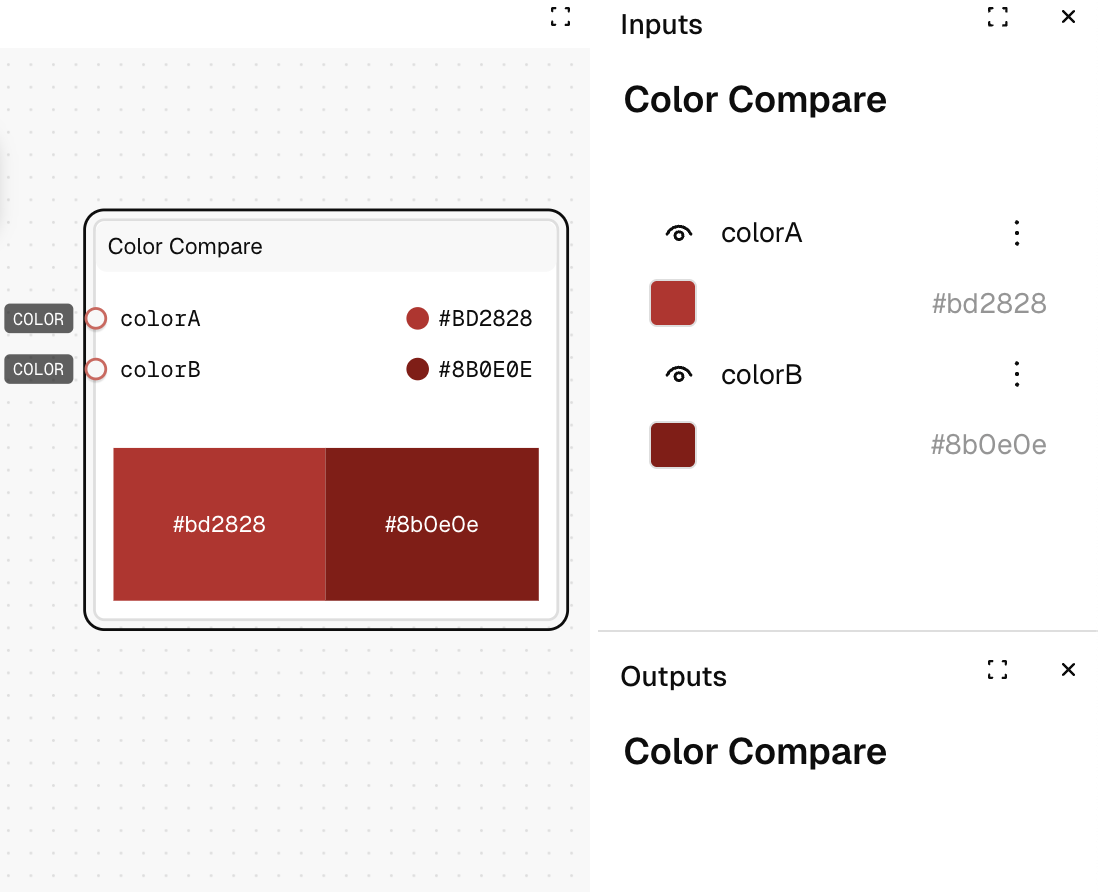
The Color Compare node displays two colors side-by-side for visual comparison. It helps you evaluate color combinations and contrast relationships.
Inputs
| Name | Description | Type | Required |
|---|---|---|---|
| Color A | The first color to compare | Color | No |
| Color B | The second color to compare | Color | No |
Outputs
| Name | Description | Type |
|---|---|---|
| No outputs | This node is for preview purposes only | - |
How to Use It
- Drag the Color Compare node into your graph.
- Connect a color value to the "Color A" input or use the default white (#BD2828).
- Connect a color value to the "Color B" input or use the default black (#8b0e0e).
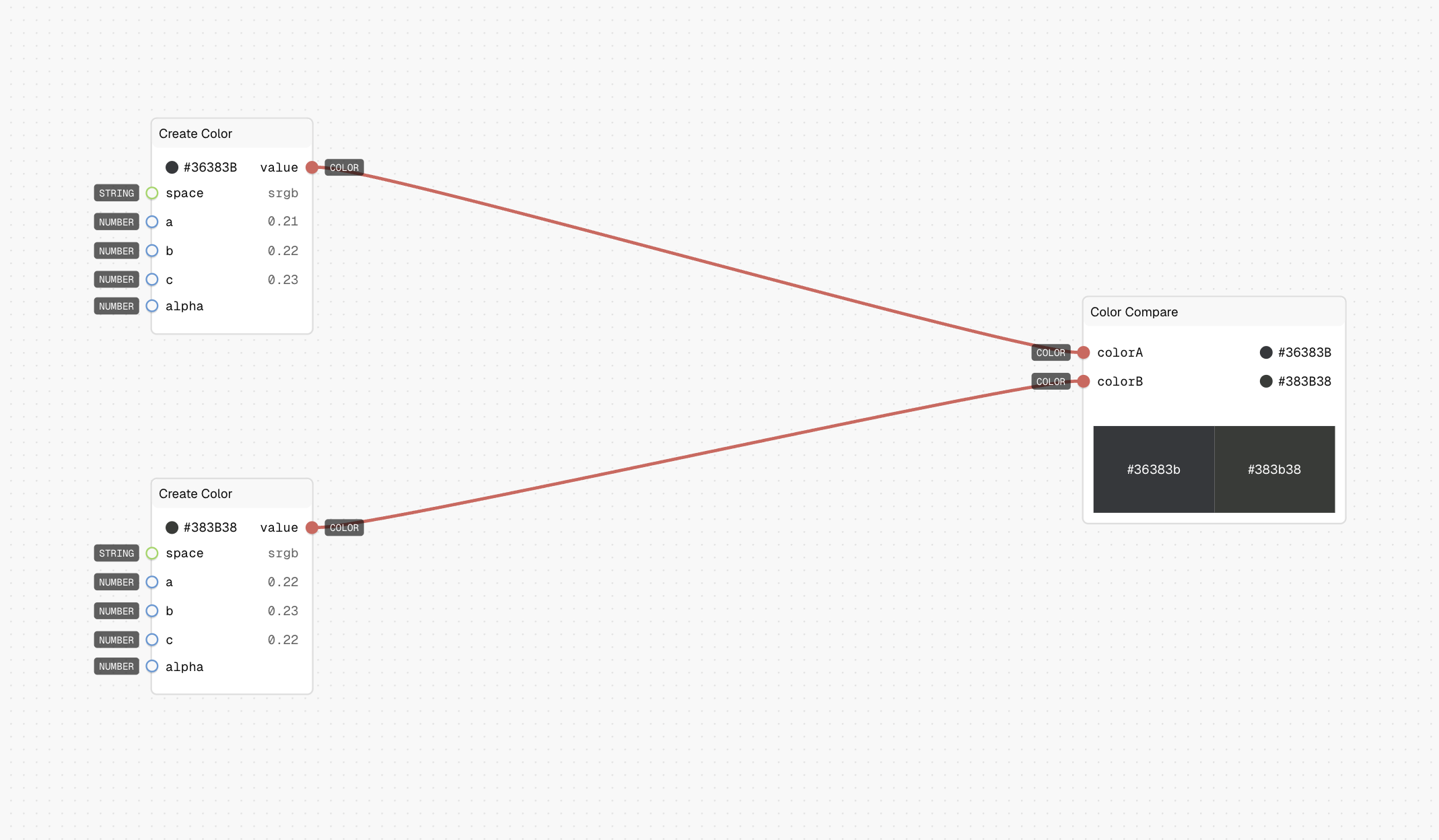
- The node will display both colors side-by-side in the editor for visual comparison.
Tips
- Use this node to visually check contrast between two colors.
- Preview both colors in context to evaluate their relationship.
See Also
- Color Swatch: For previewing a single color.
- Color Scale: For visualizing a range of colors.
Use Cases
- Contrast Checking: Evaluate text and background color combinations for readability.
- Color Harmony: Compare colors to ensure they work well together in a palette.
- Design Validation: Verify that color choices match design requirements.